Explore the Basics of Security Cameras: Insights, Tips, and Expert Advice
Security cameras, also known as surveillance cameras or CCTV (Closed Circuit Television), are devices used to monitor and record activity in a given area. They’ve become a common feature in both public and private spaces from homes and offices to retail stores, streets, and even schools.
Originally developed for military and industrial use, security cameras have evolved over the decades into user-friendly, accessible systems that help deter crime, monitor operations, and provide valuable evidence when incidents occur. With the growth of smart technology and internet connectivity, many security cameras today are integrated with cloud storage, mobile alerts, and AI-powered analytics.
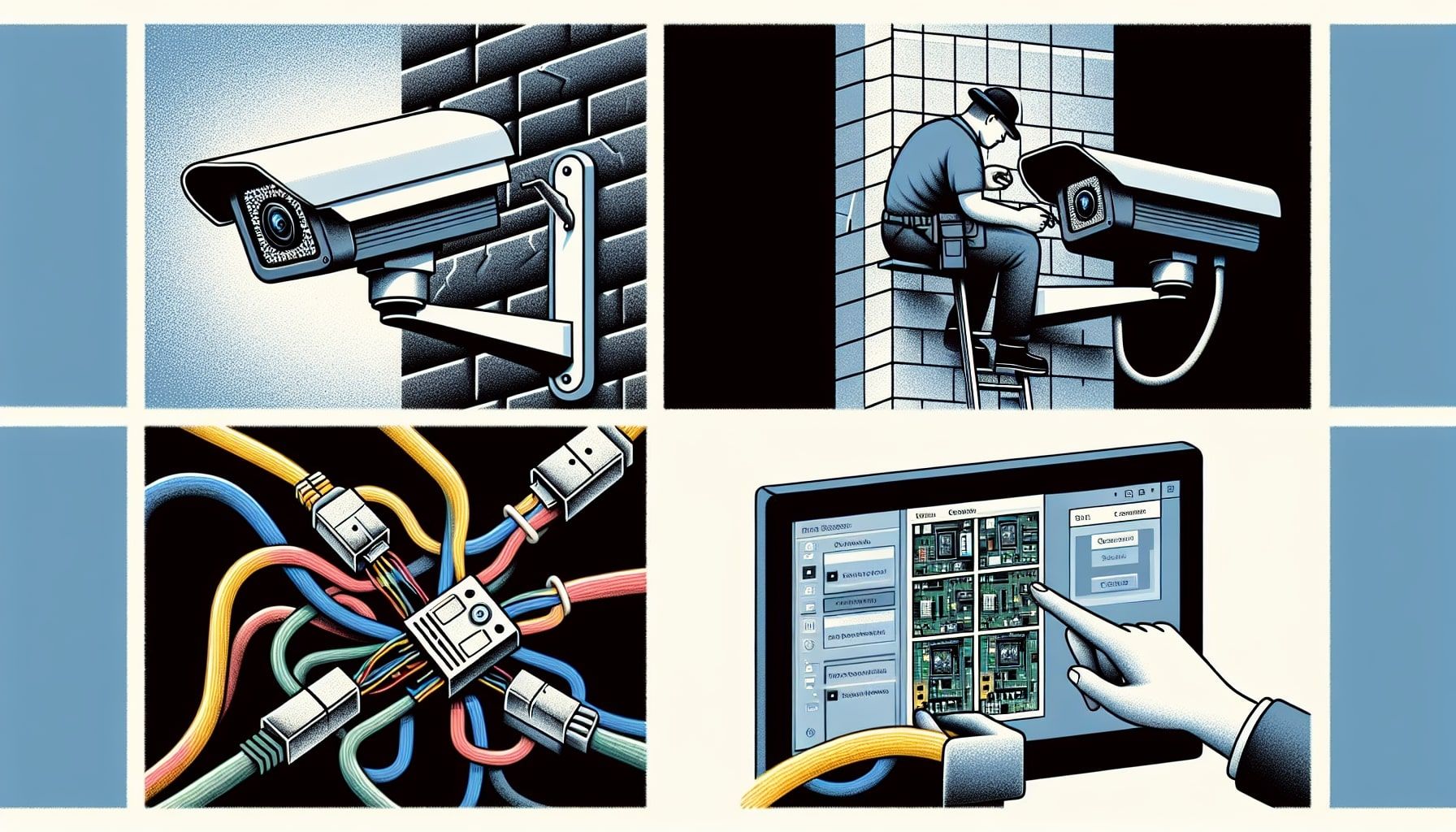
Why Security Cameras Matter Today
In an increasingly uncertain world, security and surveillance systems play a crucial role in maintaining safety and accountability. Here’s why security cameras are more relevant than ever:
-
Crime prevention: Studies show that visible cameras can deter theft, vandalism, and trespassing.
-
Home and workplace safety: Cameras help protect family members, employees, and property.
-
Remote monitoring: Thanks to smart integrations, users can view live footage via smartphones or computers.
-
Legal evidence: In case of an incident, footage can serve as crucial documentation for law enforcement or insurance purposes.
-
Operational monitoring: In businesses, especially warehouses and factories, cameras support quality control and productivity oversight.
Who is affected:
-
Homeowners
-
Small business owners
-
Corporations and retail managers
-
Educational institutions
-
Public safety agencies
Whether it’s for monitoring a driveway, managing a retail floor, or overseeing a production line, security cameras support everyday safety and efficiency.
Recent Trends and Technological Updates
Over the past year, the security camera industry has seen several developments:
| Trend | Description |
|---|---|
| AI and Video Analytics | Cameras now offer motion detection, facial recognition, and behavior analysis. |
| Cloud-based Storage | More systems are moving from physical DVRs to encrypted cloud storage. |
| Integration with Smart Homes | Cameras now work with voice assistants and smart hubs (Alexa, Google Home). |
| 4K and HD Resolution | Increased video quality helps capture clearer details. |
| Wireless and Battery-Powered Units | Easier installation, especially in remote or rental locations. |
Cybersecurity focus: Due to concerns about data breaches, manufacturers are investing more in encryption, user authentication, and software updates to protect user privacy.
Legal Considerations and Compliance
Security camera usage is governed by a mix of national, state, and local laws, depending on where you live. Key legal considerations include:
Common Legal Requirements
-
Privacy laws: It’s generally illegal to place cameras where people expect privacy (e.g., bathrooms, changing rooms).
-
Notification: In some regions, it’s mandatory to post signs notifying people that they are under surveillance.
-
Audio recording: Some jurisdictions require consent for audio recording in addition to video.
Global Examples:
-
United States: Laws vary by state. Most states allow video recording in public or workspaces but limit audio without consent.
-
European Union (GDPR): Stricter rules require businesses to justify surveillance and safeguard personal data.
-
India: Public institutions and residential societies often use cameras, but there is growing debate about regulations to protect citizens' privacy.
Tip: Always check local laws before installing surveillance systems, especially if you're recording employees or public spaces.
Helpful Tools and Resources
Whether you're setting up a basic home system or a multi-camera business network, these tools and services can make planning and managing easier:
Camera Placement Tools
-
IPVM Calculator (https://calculator.ipvm.com): Visualize camera angles and coverage.
-
Google Nest Setup Assistant: Helps guide setup and integration.
Cloud & Storage Services
-
Dropbox, Google Drive: Popular for storing motion clips from smart cameras.
-
Dedicated Services: Most camera brands offer secure cloud plans (e.g., Ring, Arlo, Reolink).
Mobile Monitoring Apps
-
Alfred Camera
-
TinyCam Monitor
-
Blue Iris App (for managing multiple camera brands)
Regulatory Resources
-
Electronic Frontier Foundation (EFF): Advocacy and legal guidance for digital surveillance.
-
GDPR Official Portal: Information for European users.
Security Planning Templates
-
Security Risk Assessment Checklists (available from OSHA or local law enforcement websites)
-
Home Security Audit Templates
Frequently Asked Questions (FAQs)
Q1: What’s the difference between wired and wireless security cameras?
A: Wired cameras require a physical connection for power and data, offering reliable performance but harder installation. Wireless cameras use Wi-Fi or batteries, are easier to install, but can be affected by network interference.
Q2: Can security cameras record sound?
A: Some can, but legal restrictions apply. In many regions, recording audio without consent is illegal. Always verify your local regulations before enabling audio.
Q3: How long do security cameras store footage?
A: It depends on storage type and settings. Cloud services may store clips for 7 to 60 days. Local DVR/NVR systems depend on hard drive capacity—often 1 to 4 weeks of storage.
Q4: Are security cameras vulnerable to hacking?
A: Yes, especially internet-connected models. To reduce risk, use strong passwords, enable encryption, update firmware regularly, and avoid cheap, unbranded systems.
Q5: Do I need internet for security cameras to work?
A: Not always. Local DVR-based systems work without internet, though remote access and cloud features require a connection.
Final Thoughts
Security cameras are no longer luxury devices but vital tools for modern safety, monitoring, and accountability. From basic doorbell cams to AI-powered networks, they serve diverse needs across residential, commercial, and public spaces. However, users must stay informed about laws, privacy rights, and responsible usage.
By understanding the types of cameras, staying current with trends, and using available tools, individuals and businesses can make informed, safe decisions that enhance security while respecting others' rights.